

Chapter 5 · Analytics
5.4Instruments, time, holding time, long/short
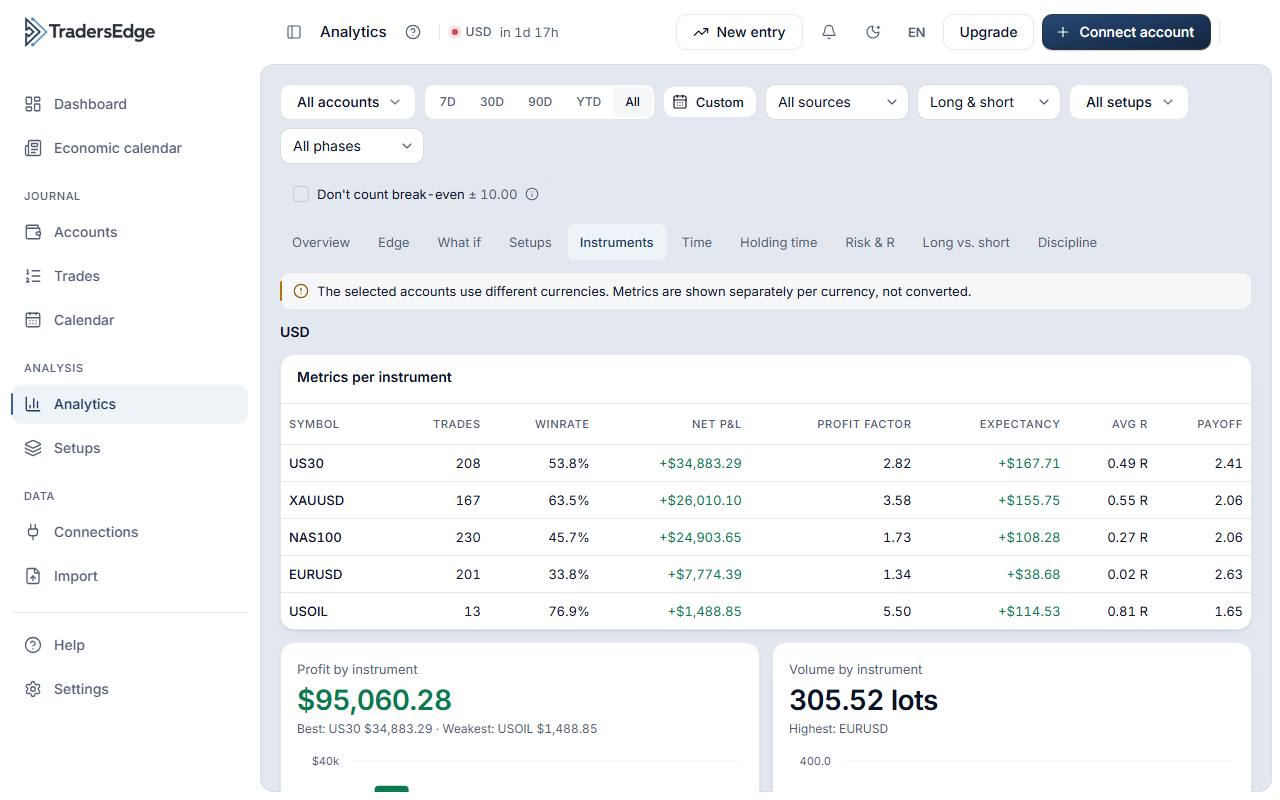
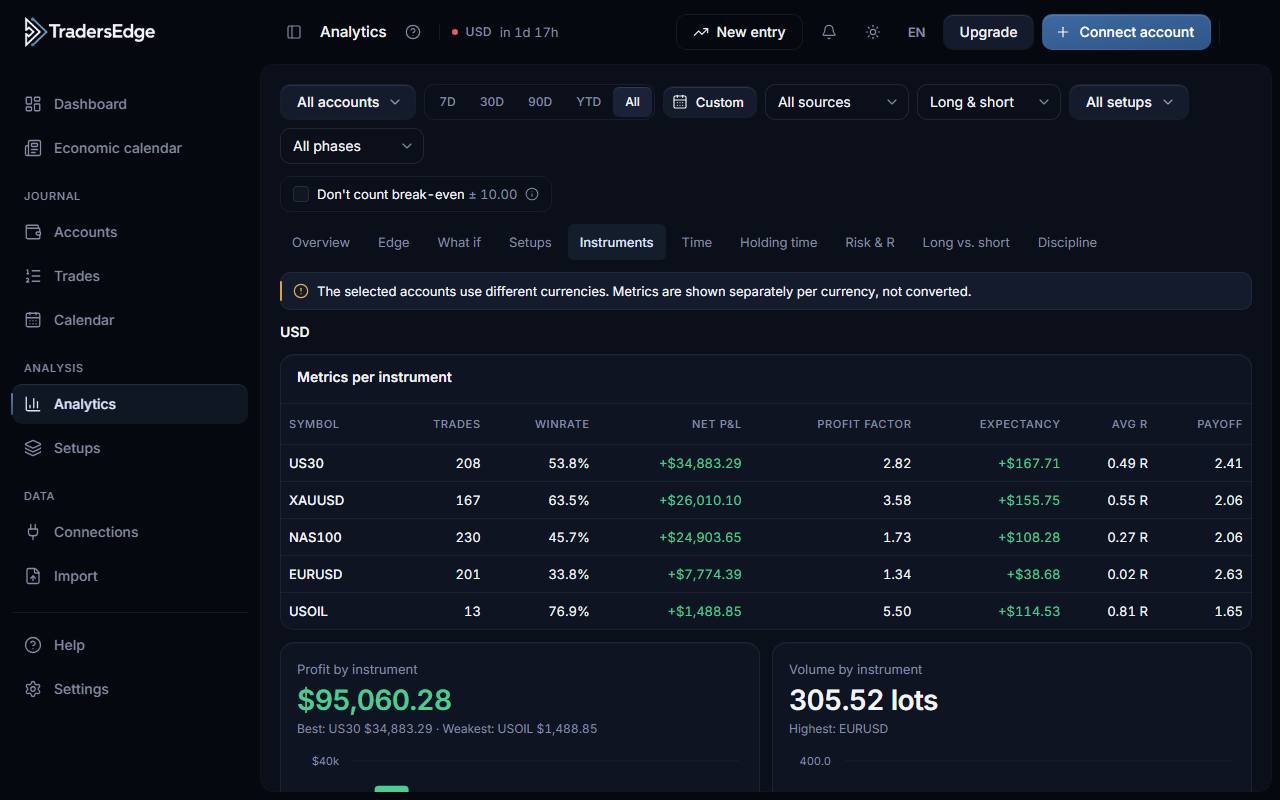
What is it? Analytics by symbol, time of day and session, holding time, and long vs. short.
What you get
- Which markets and times suit you
- Heatmap by weekday and hour (Berlin)
- Differences between long and short made visible
How it works
- Choose the “Instruments”, “Time”, “Holding time” or “Long/short” tab.
- Hover over bars or cells for values and number of trades.
Good to know
- Sessions: Asia 21–08, London 07–16, New York 12–21 UTC (changeable in settings); on overlap the later-starting session counts.
- Heatmaps and daily values use Europe/Berlin.
FAQ
- Can I change the session times?
- Yes, in Settings › Session hours.
Related articles
Was this helpful?